
Search/Find Payments
28.02.2019
Payments, Support Posts
Finding a payment that’s been entered into BreezyNotes is easy.
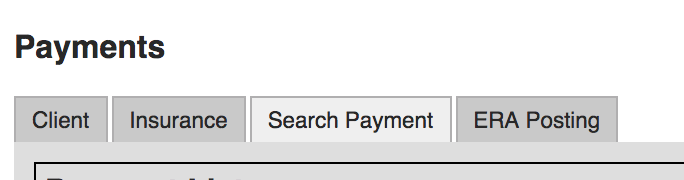
Go to Payments and click the Search Payments tab.
You can search based on any criteria listed in the Search Payment list:
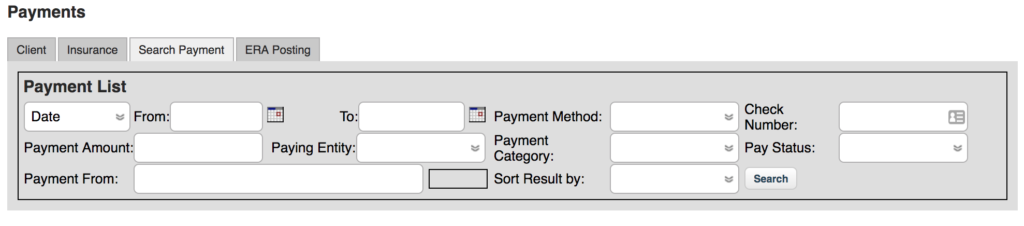
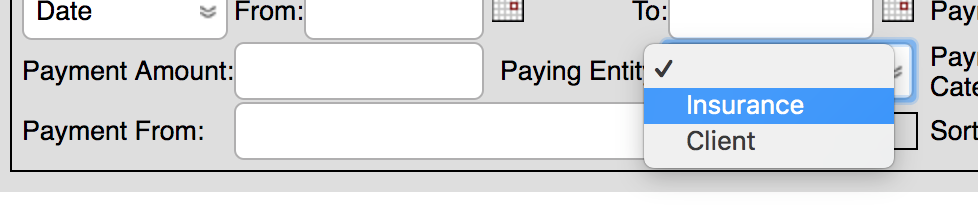
If you are search for a “Payment From,” you must first choose a “Paying Entity”
Depending on which you choose, the Payment From field will populate with options after typing in three letters:
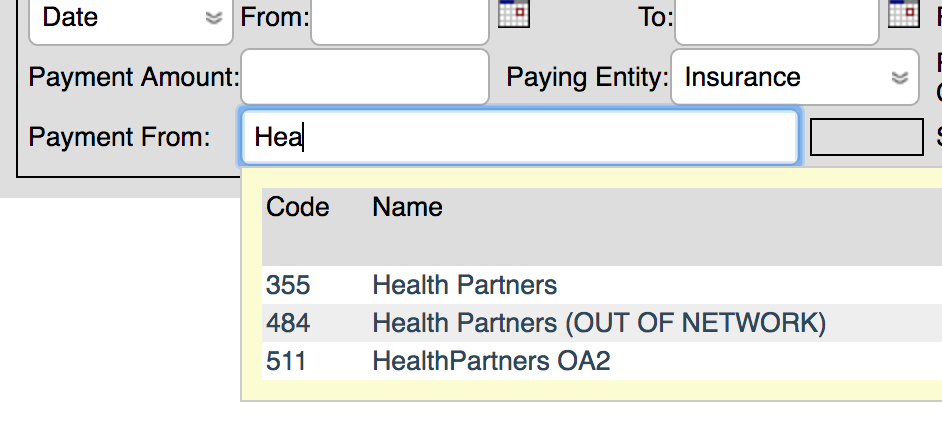
Then just click on the Payer or Client listed in the name column to search for payments from that specific payer/client.