
Reset a User’s Password
21.09.2021
Administration, Support Posts
BreezyNotes users with administrative privileges can reactivate and reset user accounts.
Reset a User’s Password
Username Missing?
- Check the “Include inactive users” box
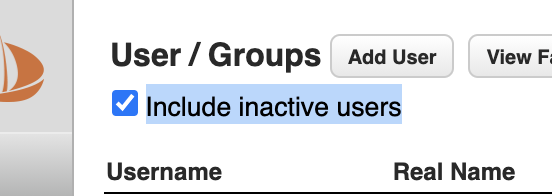
- Click on the Username
- Check the “Active” box on their account
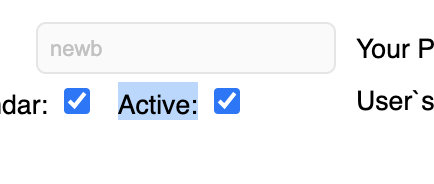
- Reset the user’s password using the steps above.
Any time a user’s account is deactivated a password change is required to re-activate it.
- Go to Administration > Users
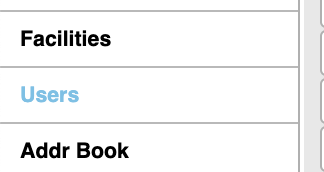
- Click on the client’s user name to open their account details
NOTE: If the username is missing, see box at right.
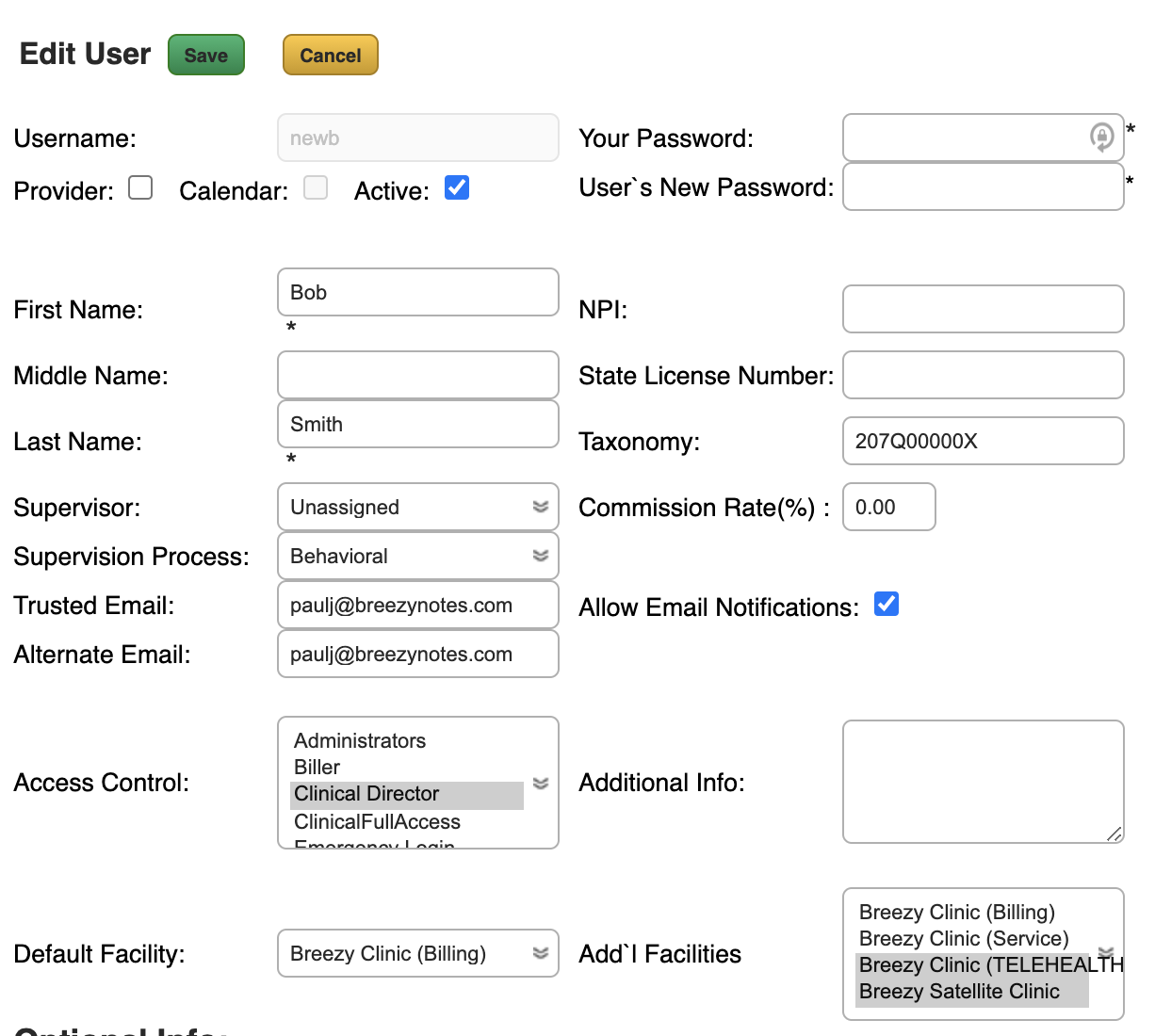
- Enter your password in the “Your Password” field:
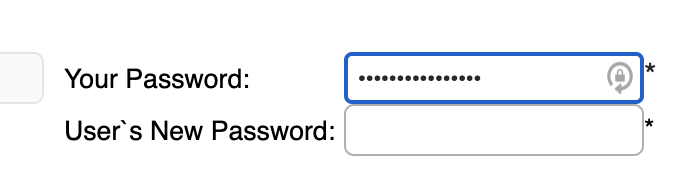
- Enter a new password for the user in the “User’s New Password” field:
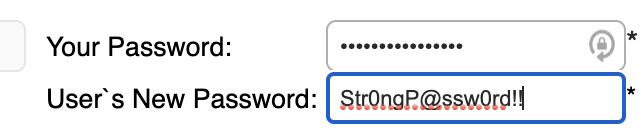
Password must be at least 8 characters (we recommend 16 or more) and include an uppercase letter, lowercase letter and either a number or special character.
- Click Save