Treatment Plan Goal Library
The Goal Library used by our outpatient Individual Treatment Plan can be modified and manage by users designated as “Goal Library Admins.” By default this access is given to Clinic Directors (our highest level of access), but can be modified by reaching out to BreezyNotes Support.
Goal Library Admins can:
- Create, Edit and Delete all Goals
- Create Clinic Goals & Objectives the all staff will see in the ITP.
- View and Edit all Goals & Objectives
- This includes Sub-Goals & Objectives created by individual staff for their own use
- Delete all Goals & Objectives (includes individual staff goals as well)
Additionally, clinical staff and/or independent contractors can be granted “Goal Library” access. This allows them to maintain their own subset of Goals & Objectives that only they and the Goal Library Admin can see/manage. If you’d like staff to have this option, please reach out to BreezyNotes Support.
Clinical Staff with Goal Library access granted can:
- Create and Delete their own goals/objectives.
- They will be the only ones who can see these goals/objectives in the ITP
- They do not have access to view or edit Clinic Goals & Objectives. Just their own subset.
Getting Started
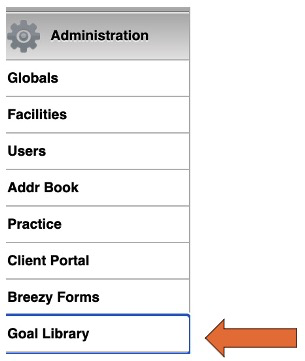
Go to Administration > Goal Library
Goal Library Admin View of the Goal Library
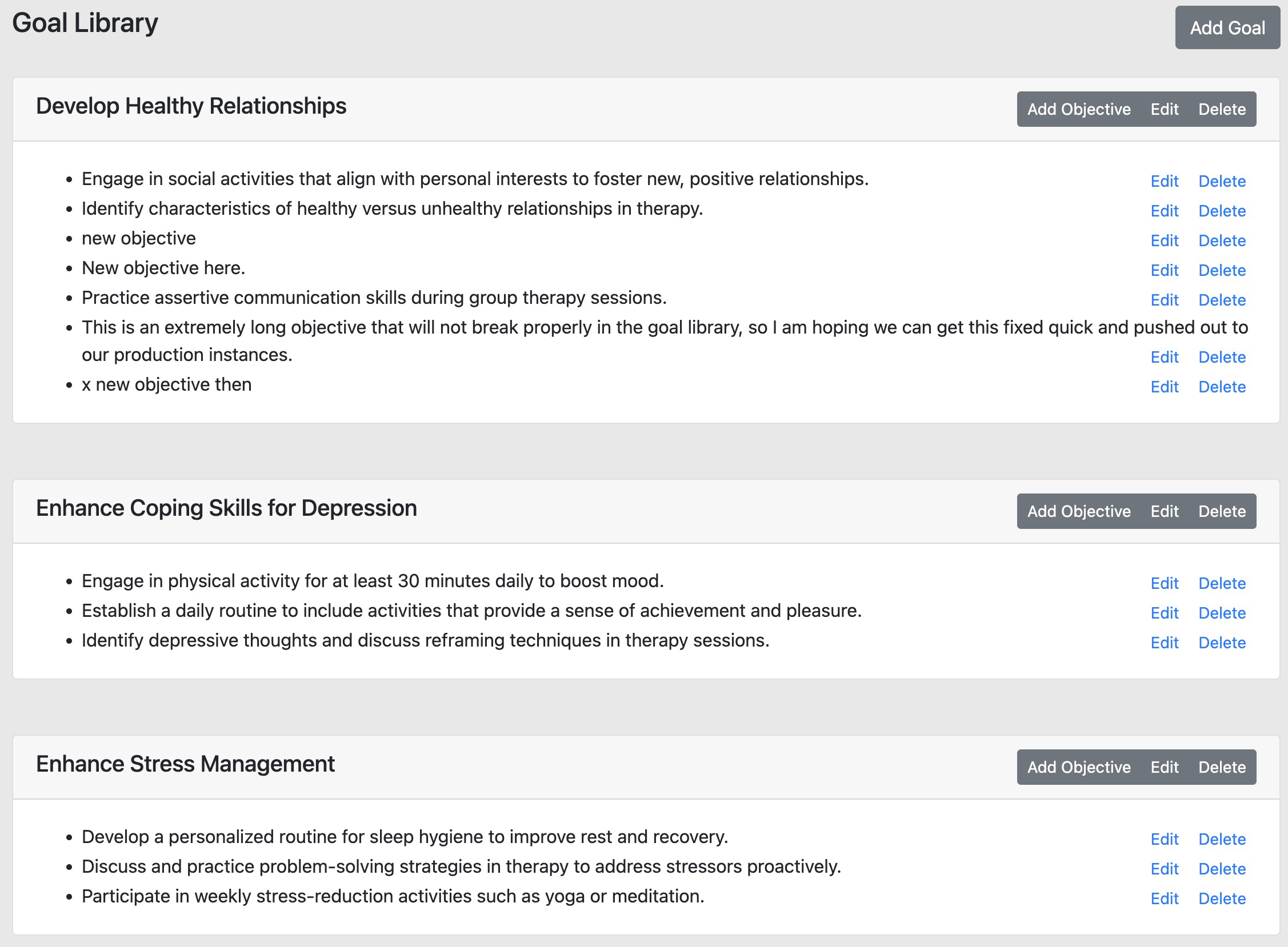
Clinical Staff with Goal Library Access will see the same Goal Library, but will not have the ability to Add Objective, Edit or Delete on Clinic Goals and Objectives. Just their own. The process for creating Goals and Objectives is the same regardless of access level.
Creating a Goal
Click the “Add Goal” button in the top right corner of your screen and a window will pop up:
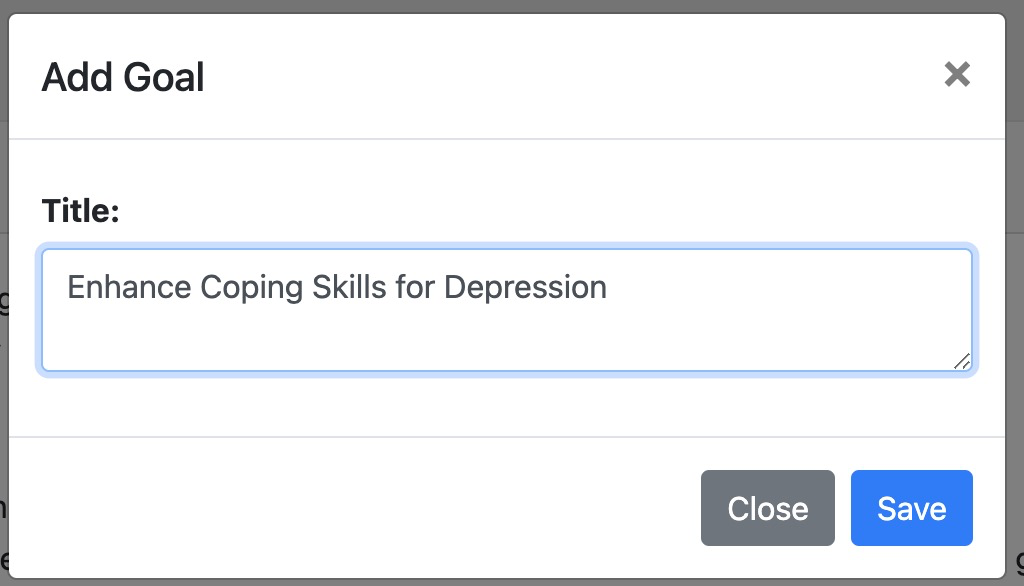
Click “Save” when you are done.
Adding an Objective
Click “Add Objective” in the top right corner of your goal interface
Another window pops up for you to enter your objective
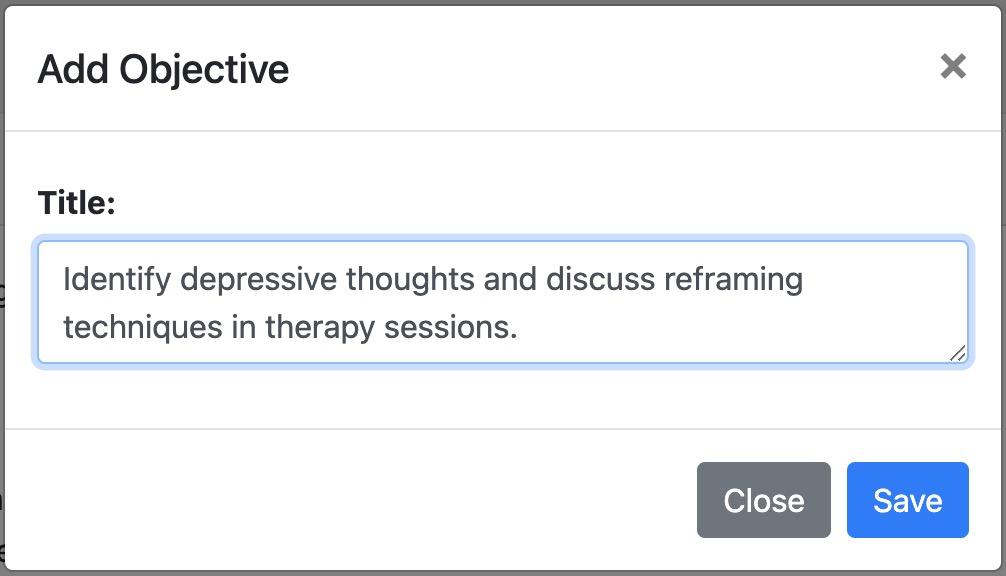
Click Save
When complete you you will have a complete goal with objectives

All users with Goal Library Admin access goals and objectives will now be available in any Individual Treatment Plan form for the clinic. For other users with limited Goal Library access, they can create goals & objectives for just themselves.
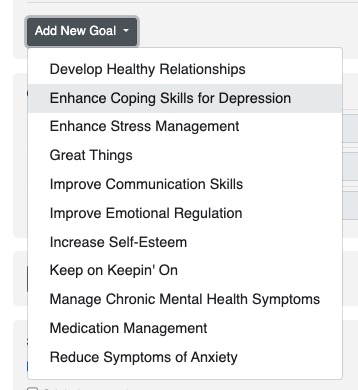
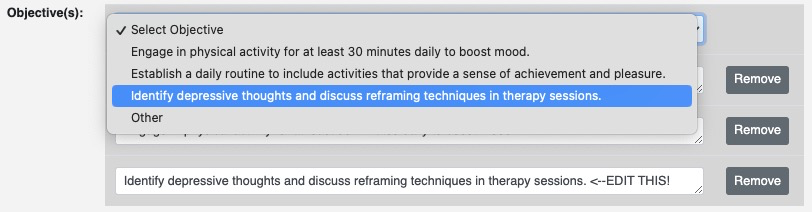
When selected you will see a list of objectives you can select and edit
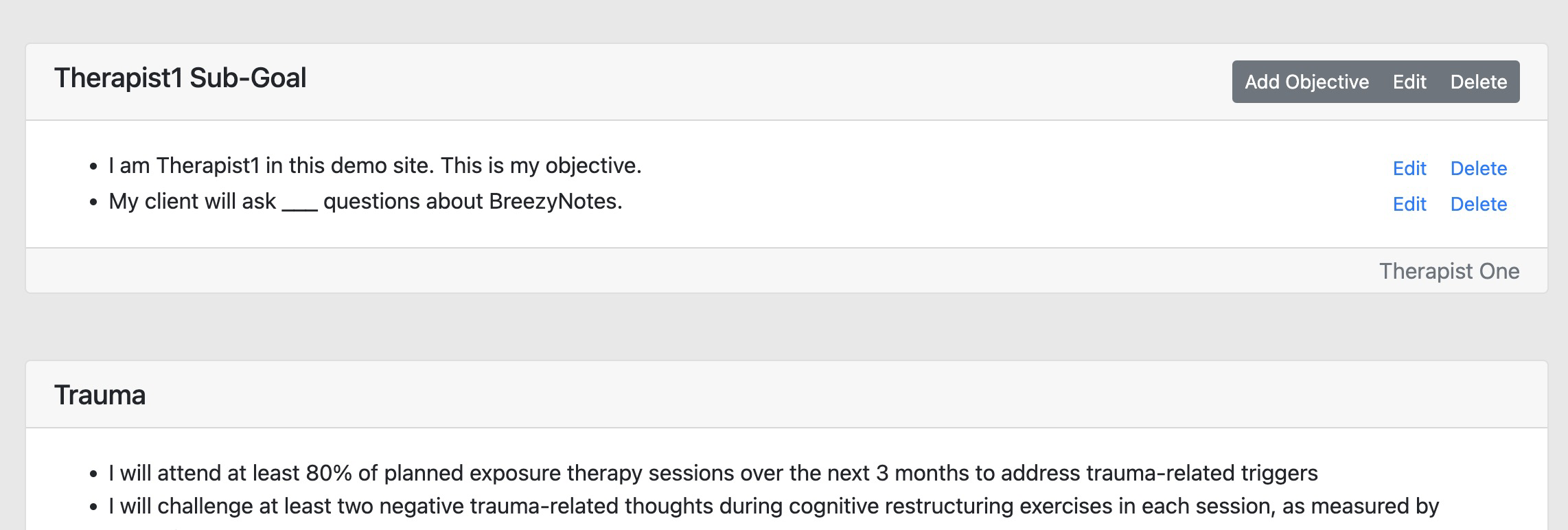
View for Clinical Staff with Goal Library Access
Staff can see all goals for a clinic, but can only edit their own. In this case, the clinical staff created their own Sub-Goal, which only they can see. The Trauma goal beneath it is managed by the Goal Library Admin and can be seen by all providers in the outpatient ITP.