
Documenting and/or Billing for a Cancellation
06.10.2025
Calendar, Support Posts
To document and bill for a cancellation, follow these steps:
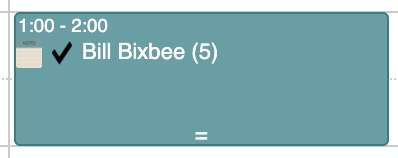
- Click on the colored part of the originally schedule appointment. The Appointment Window will pop up.
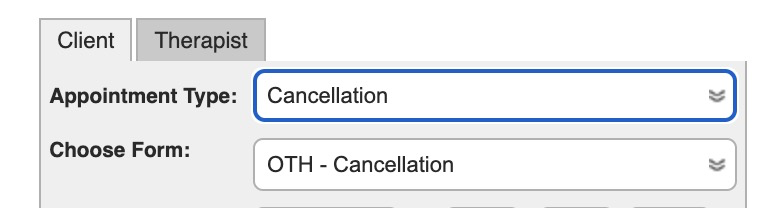
- Change the Appointment Type to “Cancellation”
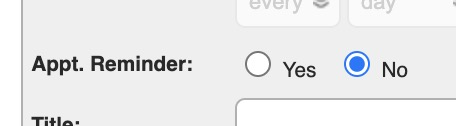
- Set the Appointment Reminder to “No” so the client does not get an appointment.
- Click Save – The appointment will turn Red
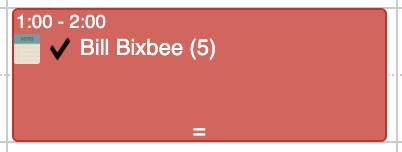
- Click the black checkmark
- Select the cancel code you want to bill for, and click Apply Charge
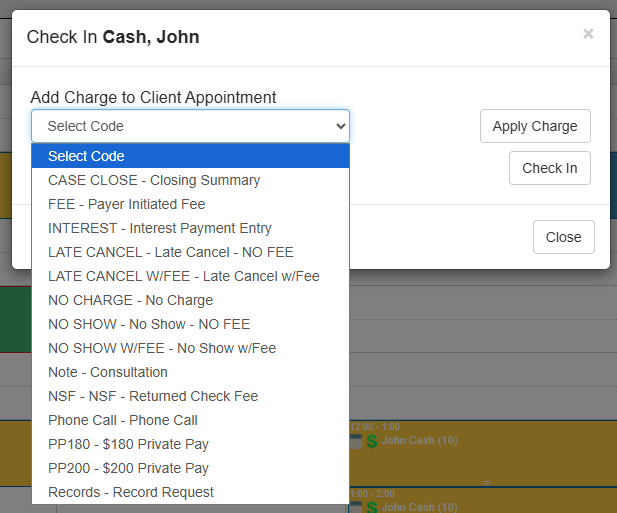
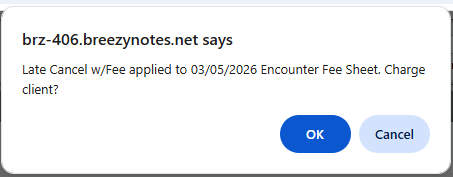
- The popup will ask if you want to charge the client, click OK to bill
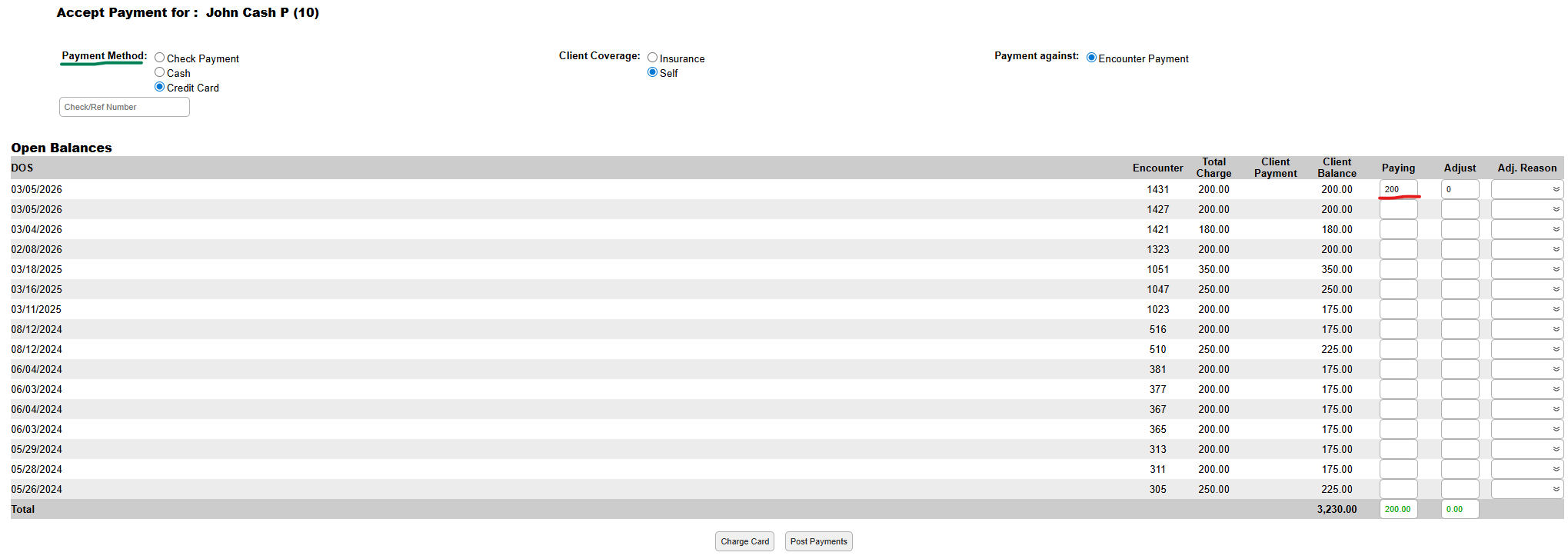
- Click correct Payment Method, insert the amount of the code, and click Charge Card(if billing to a card) or Post Payment
-
Keep in mind, that these codes can’t be submitted to insurance so the Save, Sign & Submit button will be grayed out.