
Uploading Insurance Cards, Images and Documents
19.03.2026
Administration, Client Portal, Support Posts
Uploading Insurance Cards, Images and Documents
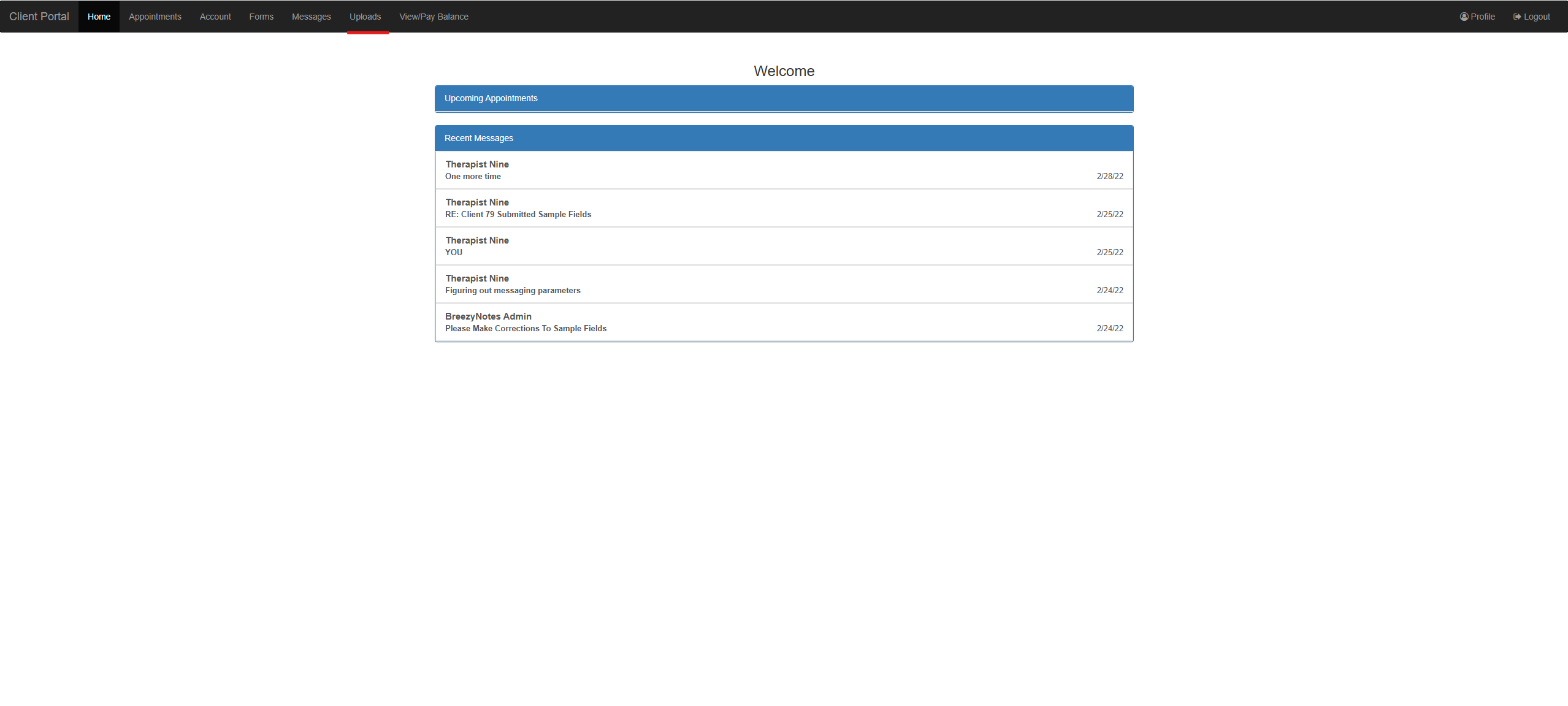
- Once the client has logged in to the Client Portal, Navigate to the Uploads section at the top of the screen
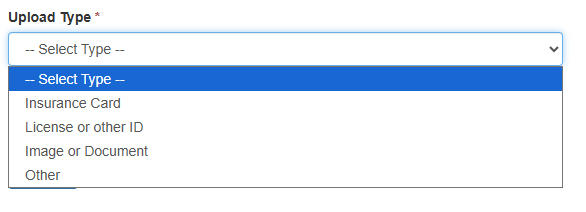
- Select the Upload Type
- Choose the file you would like to upload
- Note: There is a 50MB limit, and only PDF, JPG, HEIC, PNG, MP3, DOC, DOCX or CSV files are accepted
- Once the file is chosen, click upload

- If it was successful the client will see a confirmation popup, otherwise they will get an error.
When a file is uploaded, the client’s provider or others at the clinic will also be notified. To adjust staff notification settings reach out to BreezyNotes Support.