Client Charges: Charging for Private Pay or any Non-CPT Coded Session
19.03.2026
Administration, Payments, Support Posts
Charging for Private Pay or any non-CPT coded session
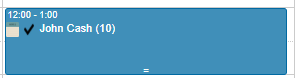
- Click on the black checkmark
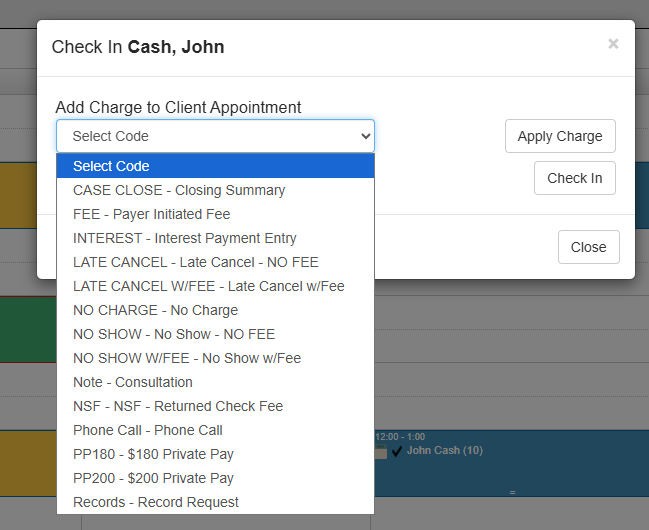
- Select the code you want to bill for
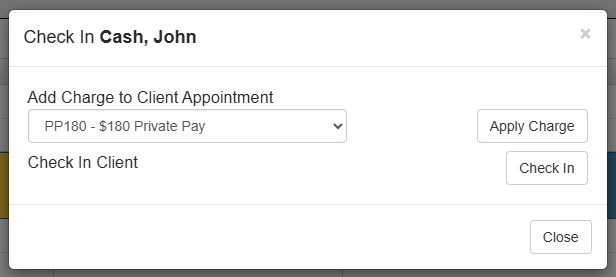
- Click Apply Charge button
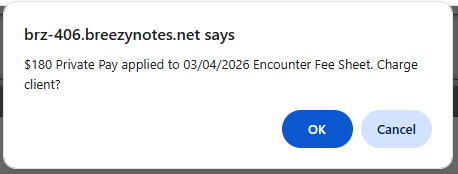
- It will ask if you want to Charge the Client, click OK to bill click Cancel not to
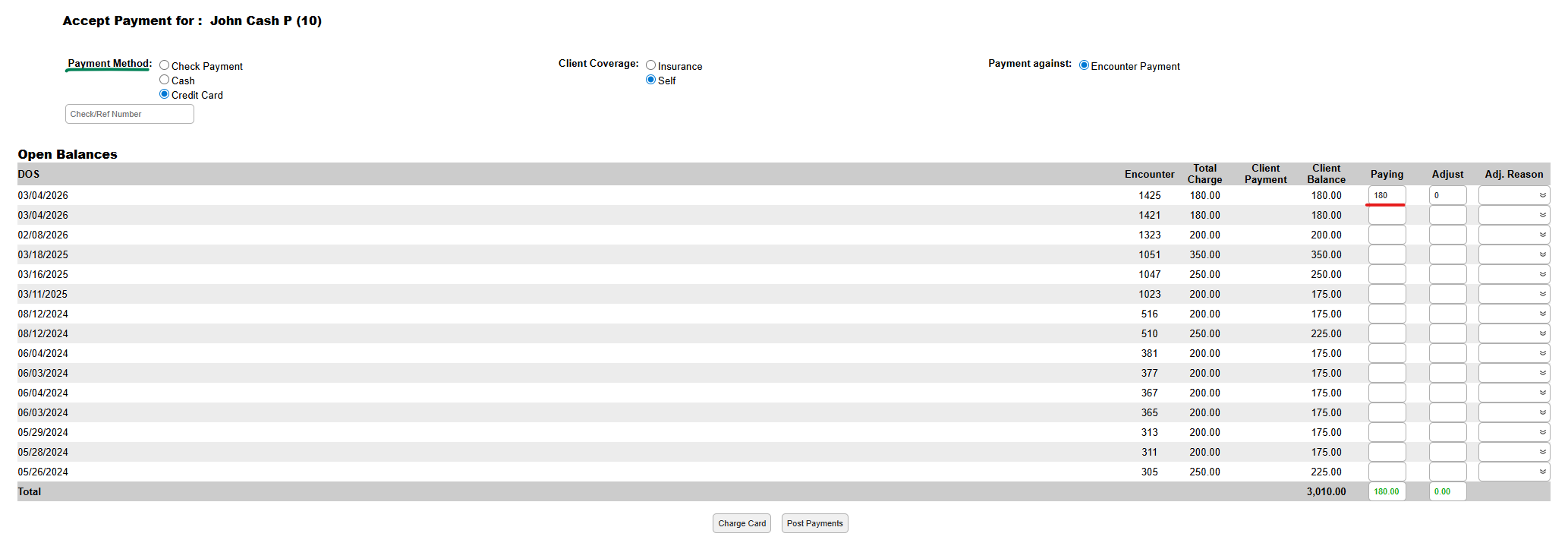
- Select Payment Method, input the amount and click Charge Card(if paying with a credit card) or Post Payment
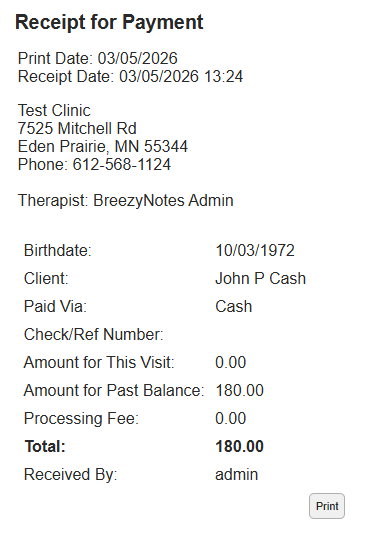
- If the client wants a Receipt, click Print