
Billing Telehealth
11.03.2020
Billing, Calendar, Support Posts
Billing Telehealth
Step 1: Schedule an Appointment
Create a new appointment on the calendar and choose the correct form you want to use
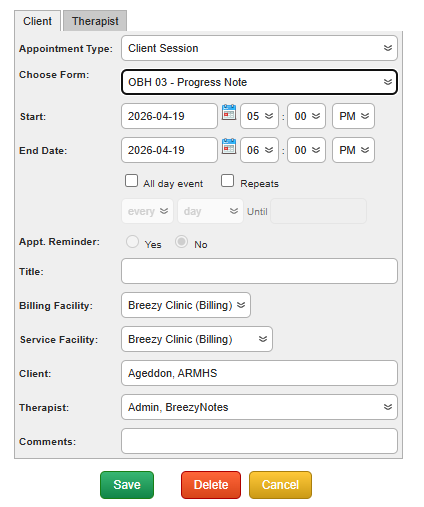
Click Save
Step 2: Open and Fill Out The Note
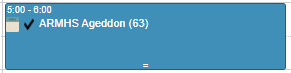
Click the notepad icon.
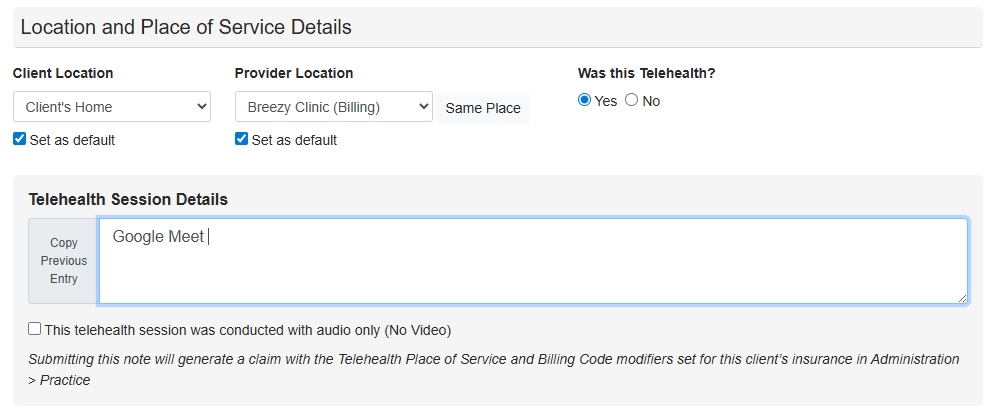
In the Location and Place of Service Details section, set the Client’s Location to Client’s Home and Provider location to your clinic.

Click Yes and a box will pop up asking for Telehealth Session Details
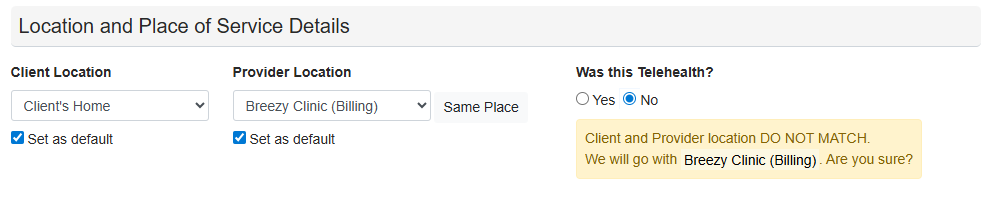
Note: If No is clicked, Breezy will default to the Provider Location as the Place of Service
Fill out the rest of the note and click Save & Sign (No Insurance) or Save, Sign & Submit (Insurance). When the form is saved, the billing code and modifier are added to the fee sheet.