Checking Client Benefits
BreezyNotes partners with Claim.MD to handle Benefits Checks. To set up this functionality, please submit a Support Request. There are two benefit buttons available to BreezyNotes Users.
- Confirm Benefits
- Advanced Benefits Request
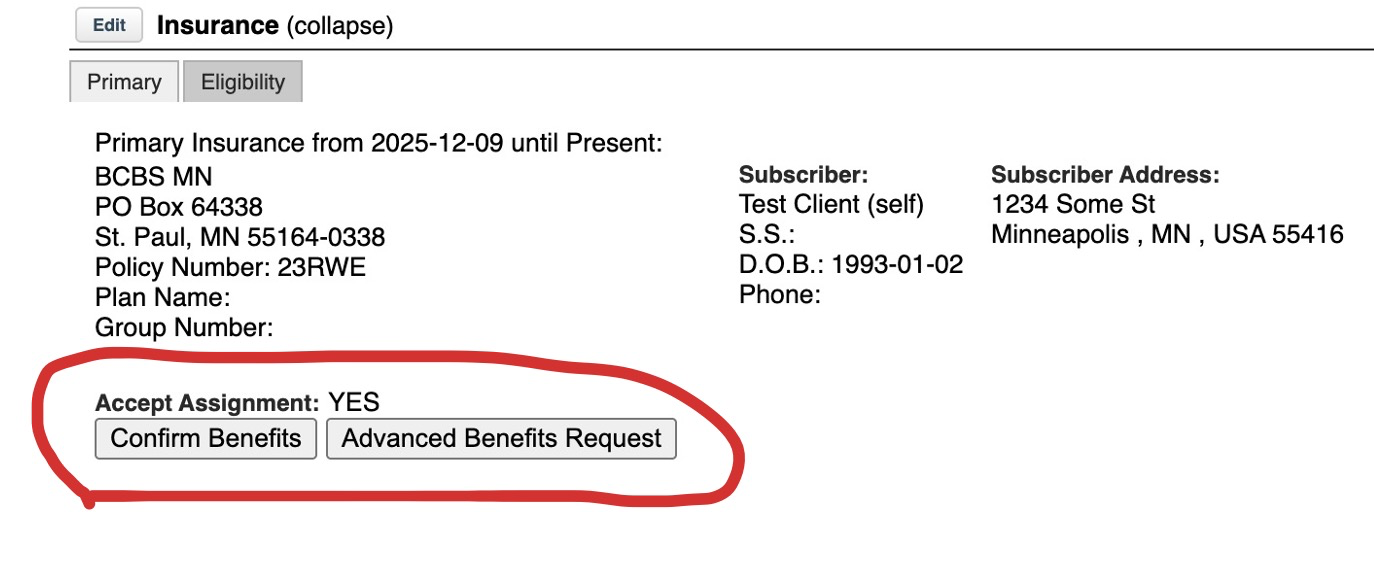
VERY IMPORTANT: Make sure you are entering in all client data correctly. ESPECIALLY “Effective Date.”
Let’s walk through both buttons.
The Confirm Benefits Button
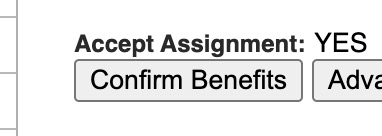
This is an automated Benefits request. Just like the insurers themselves (even when you call and ask), we can in no way guarantee the accuracy of the results.
The Confirm Benefits button sends an electronic request to the payer and asks the following questions:
- Is this client’s policy active?
- What are the Out-of-Pocket (OOP) Max, Deductible from the client’s Health Benefit Plan Coverage?
- What are the coinsurance and copay amounts listed in the Mental Health, Psychotherapy, or Office Visit sections of the client’s benefits?
The payer sends back a response with those details and loads them into Breezy. Generally speaking:
- It’s very easy to get whether the policy is active/inactive
- It’s a bit tougher, but very likely, that we’ll get OOP Max and Deductible
- It’s harder to get coinsurance and copay details.
- Different payers put these details in different places – another reason it can be tough to get exact benefits.
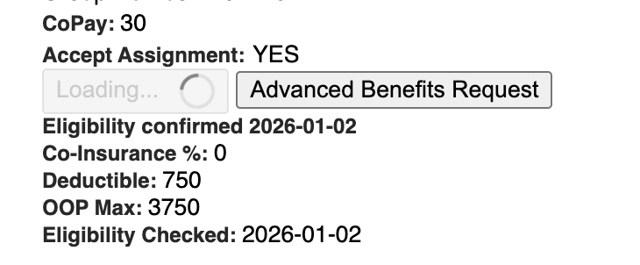
If We Retrieve Full Benefit Information
Whatever we are able to get from the payer we load into the client’s insurance benefits details and update the Eligibility Checked date:
If We Can Retrieve Partial Benefit Information
We will load what we can, update the “Eligibility Checked” date, and you will see the message, “This client has active benefits, but specific benefit details could NOT be determined. Please refer to client’s Insurance card for more information.”
If the Client’s Policy is NOT Active
You’ll see the message, “Client benefits are not active”
The Advanced Benefits Request Button
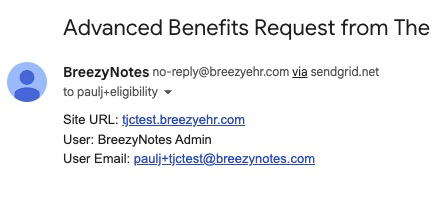
This opens a message so you can send a request to the benefits person on your team. For BreezyBilling customers, that is our staff. For non-BreezyBilling customers, you can request that we set someone up for you by reaching out to Breezy Support.
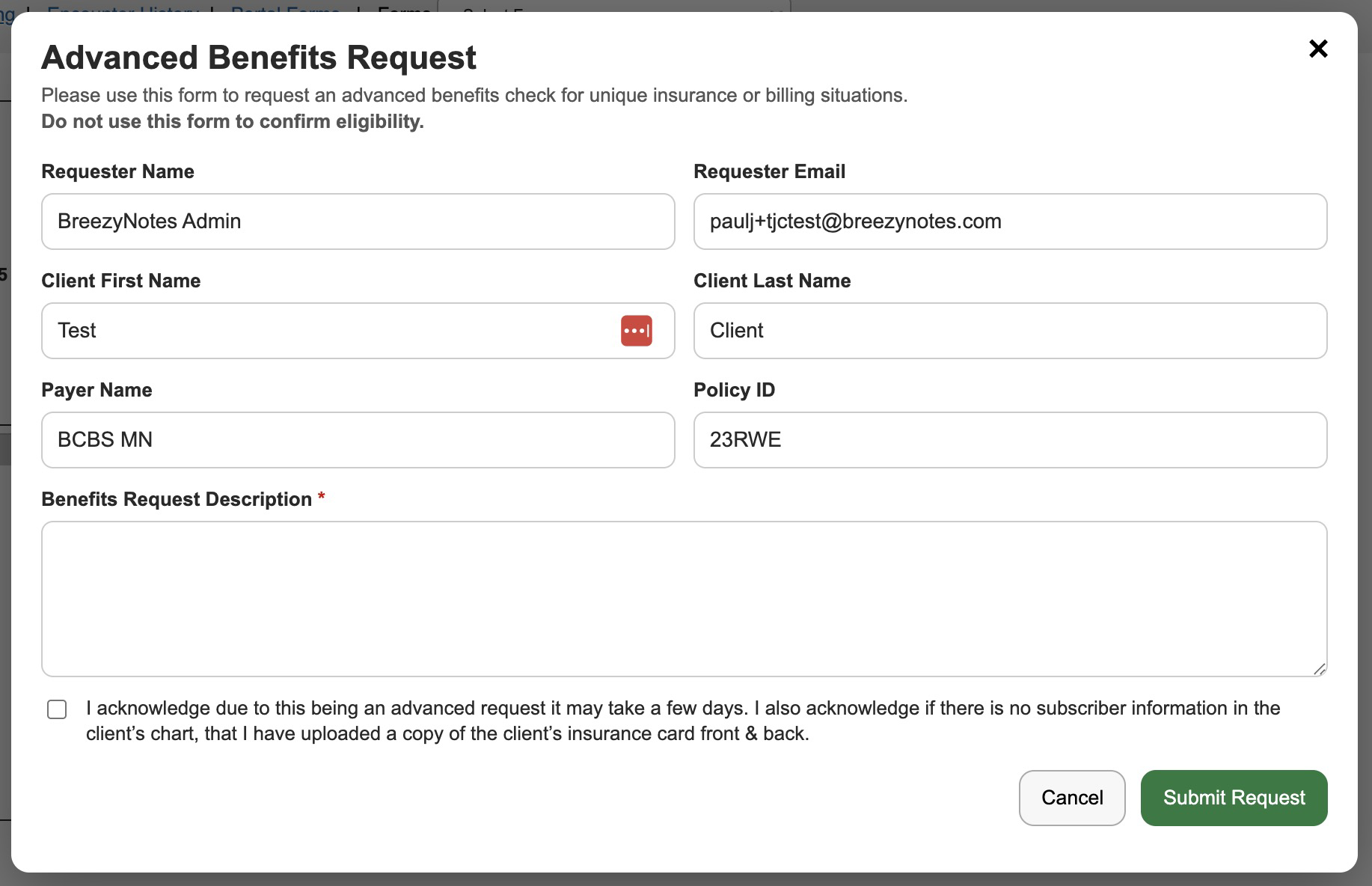
By completing this form you can send a request to the appropriate user.
The user will receive a message in BreezyNotes:
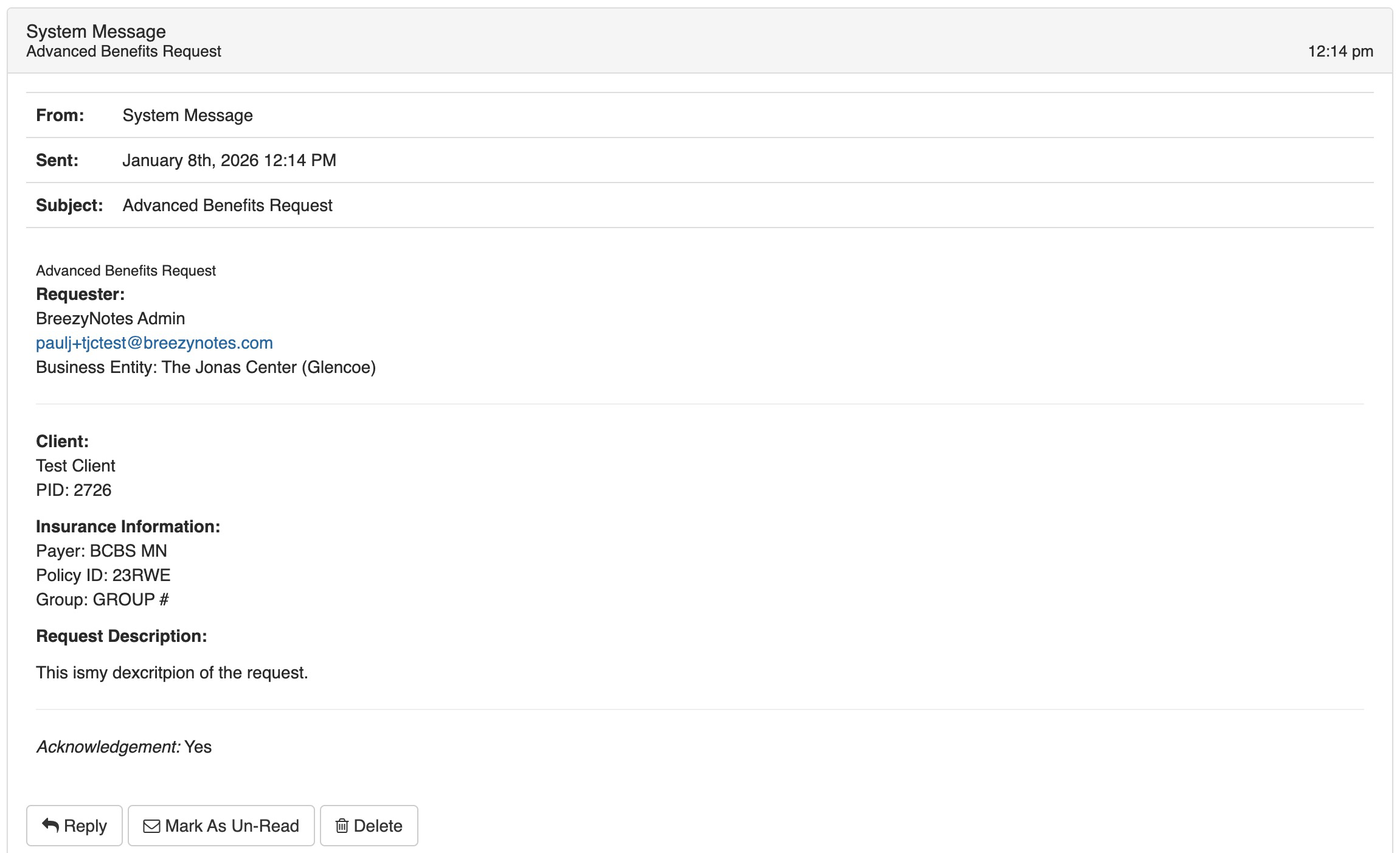
If set up to receive email notifications, they’ll also receive an alert in their inbox: